
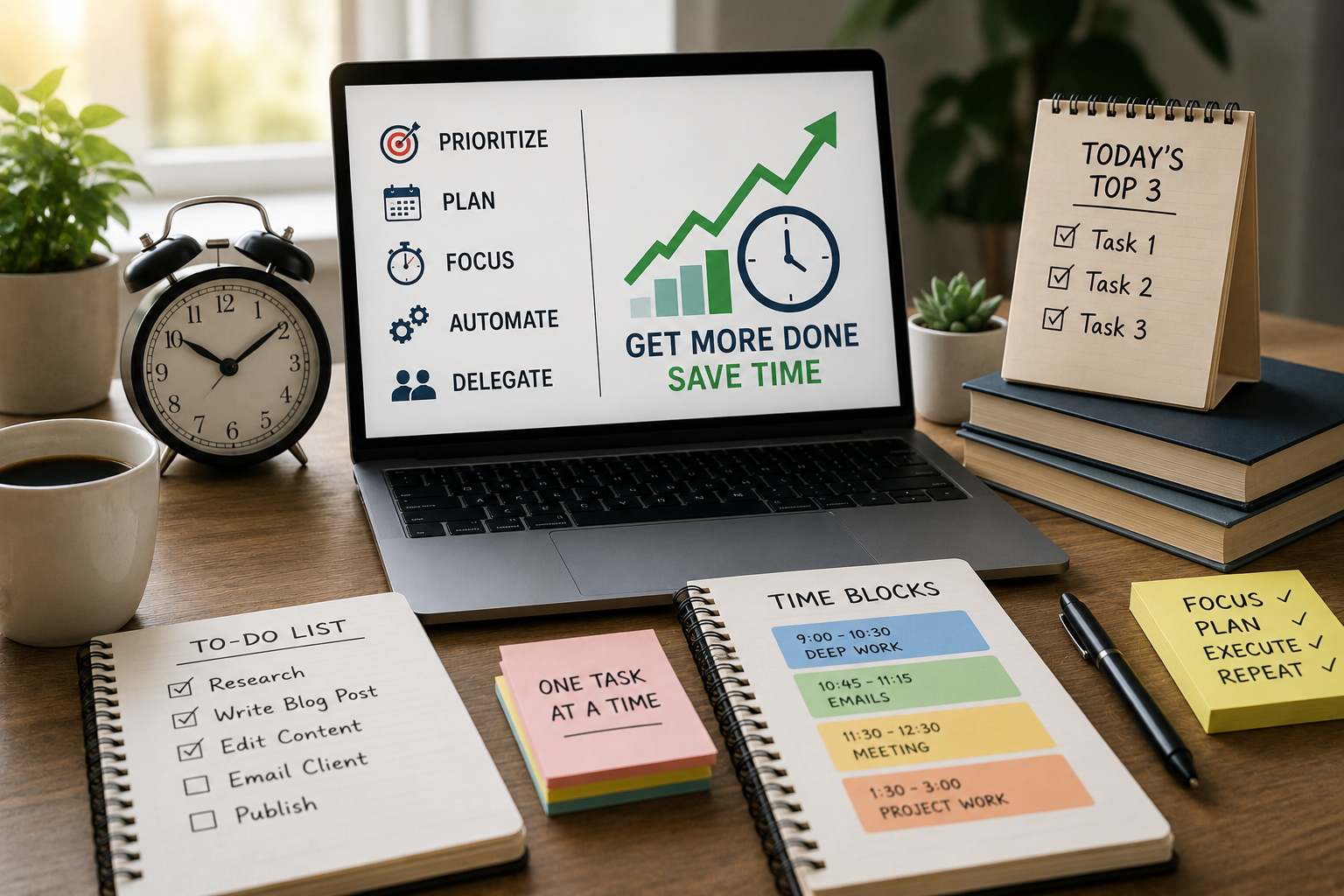
Time feels scarce because demands pile up faster than we can handle. The good news: efficiency isn’t about working harder — it’s about working smarter. This guide gives practical, easy-to-apply time-saving techniques you can use today to finish tasks faster, reduce stress, and get more meaningful work done.
Prioritize with Purpose
Decide what actually matters before you start. Prioritization saves time by preventing busywork.
- Use the 2×2 priority matrix. Divide tasks into urgent/important, important/not urgent, urgent/not important, and not urgent/not important. Focus on important tasks first.
- Apply the Eisenhower Rule: do, schedule, delegate, or delete. If it’s important and urgent — do it. Important but not urgent — schedule it. Urgent but not important — delegate it. Neither — drop it.
- Limit your daily top three. Choose three must-complete items each day. Everything else is a bonus.
Batch Similar Tasks
Batching reduces context switching, which wastes time and mental energy.
- Group emails, calls, and administrative tasks into dedicated blocks. For example, check email three times daily rather than constantly.
- Batch creative work separately from routine tasks. Use morning blocks for deep creative work and afternoons for meetings and admin.
- Batch errands: combine trips and do similar tasks back-to-back.
Use Time Blocking
Time blocking turns a to-do list into a schedule so tasks get real estate in your day.
- Create fixed blocks: deep work, shallow work, breaks, and admin. Stick to the blocks like appointments.
- Reserve uninterrupted deep-work blocks for your most demanding tasks (60–90 minutes).
- Protect your blocks by setting boundaries: turn off notifications, close tabs, and let people know your availability.
Apply the Pomodoro Technique
The Pomodoro Technique boosts focus by dividing work into short, intense sprints.
- Work 25 minutes, rest 5 minutes. After four rounds, take a longer 15–30 minute break.
- Use a timer or an app to stay honest. Short breaks help sustain energy and prevent burnout.
- Adjust intervals to fit your attention span (e.g., 50/10 for longer stretches).
Limit Distractions
Distractions are productivity killers. Make them harder to access.
- Silence nonessential notifications and use Do Not Disturb during focus blocks.
- Use website blockers for social media or news during work periods.
- Create a tidy workspace; clutter steals time and attention.
Automate Repetitive Tasks
Automation saves repeated effort and reduces errors.
- Use email templates for routine replies, canned responses, and keyboard text expanders.
- Automate file backups, bill payments, and calendar invites.
- Use workflow tools (Zapier, Make) to move data between apps automatically.
Delegate and Outsource
Delegation multiplies time by letting others do appropriate tasks.
- Delegate routine or low-impact tasks to teammates or freelancers.
- Write clear instructions and expected outcomes to avoid back-and-forth.
- Use platforms (Upwork, Fiverr) for one-off tasks and virtual assistants for ongoing support.
Set Clear Outcomes and Deadlines
Clarity reduces rework and indecision.
- Define the desired outcome before starting a task: what “done” looks like.
- Break big tasks into sub-tasks with mini-deadlines.
- Use a countdown or due-date reminders to stay on track.
Use Checklists and Templates
Checklists keep you consistent and reduce mental overhead.
- Create standard checklists for recurring processes, meetings, and publishing workflows.
- Keep templates for emails, briefs, and reports to speed production.
- Update templates when you find better ways to do things.
Adopt the Two-Minute Rule
Small tasks can be knocked out immediately.
- If it takes less than two minutes, do it now. This prevents small items from cluttering your list.
- Combine the rule with batching: do two-minute tasks during short breaks or transition moments.
Leverage Focus-Friendly Tools
Choose tools that support concentration rather than distract.
- Use minimal note-taking apps (Simplenote, Notion, Obsidian) to capture thoughts quickly.
- Try distraction-free writing tools (iA Writer, FocusWriter) for drafting.
- Use task managers with clear prioritization (Todoist, Things, Microsoft To Do).
Optimize Meetings
Poorly run meetings waste hours that could be used for productive work.
- Only schedule meetings with a clear agenda and desired outcome.
- Invite only necessary participants and set strict time limits.
- End with action items and assigned owners, then follow up in writing.
Use Time-Saving Communication Habits
Clear, concise communication reduces back-and-forth.
- Write short, actionable messages. Lead with the ask, then provide context if needed.
- Use subject lines and headers that specify required actions or deadlines.
- Encourage synchronous communication for complex issues, asynchronous for simple updates.
Implement Single-Tasking Over Multitasking
Multitasking reduces efficiency and accuracy.
- Focus on one task until completion or a logical stopping point.
- Use visible cues to show colleagues when you’re in focus mode (calendar blocks, status messages).
- Return to other tasks only after finishing or at scheduled transition points.
Break Projects into Manageable Chunks
Large projects feel overwhelming and stall progress.
- Use the “divide and conquer” method: split projects into phases and deliverable milestones.
- Start with a quick, imperfect version (a minimal viable product) to gain momentum.
- Celebrate small wins to maintain motivation and momentum.
Use Decision Filters
Reduce decision fatigue with simple rules and standards.
- Establish pre-set criteria for routine choices (meeting lengths, email responses, approval thresholds).
- Create standard operating procedures for frequent decisions.
- Limit options for trivial choices (e.g., rotate meals, set a weekly outfit).
Track and Review Your Time
You can’t improve what you don’t measure.
- Use a time-tracking app for a week to identify where time actually goes.
- Review weekly to spot patterns and adjust commitments.
- Reallocate time from low-value activities to high-impact tasks.
Manage Energy, Not Just Time
Productivity follows energy cycles more than the clock.
- Align difficult tasks with your peak energy periods (morning for many people).
- Take regular short breaks, move around, hydrate, and get sunlight.
- Respect sleep and recovery—rest fuels faster, higher-quality work.
Create Routines and Rituals
Habits reduce decision-making and speed execution.
- Start your day with a consistent routine that primes productivity (planning, light exercise, priority setting).
- Use pre-task rituals: a 60-second setup to clear your desk, open needed files, and launch a timer.
- End your day with a shutdown routine: review tomorrow’s top three and close open loops.
Use “No” More Often
Saying no protects focused time and priorities.
- Practice brief, polite rejections that offer an alternative (e.g., “I can’t this week; I can do it next Tuesday”).
- Schedule “no-meeting” days to preserve deep-work time.
- Reassess recurring commitments periodically and drop those that no longer serve goals.
Refine and Simplify Processes
Complex workflows cost time. Simplify where possible.
- Map your processes and remove unnecessary steps.
- Combine tools when they duplicate functions.
- Streamline approvals: reduce layers and set clear thresholds for who signs off.
Leverage Shortcuts and Keyboard Efficiency
Small speed gains add up.
- Learn keyboard shortcuts for your main tools.
- Use text expansion to type common phrases or complex data quickly.
- Customize app macros to automate repeated sequences of actions.
Keep a “To-Do Later” Inbox
A mental dump prevents task paralysis.
- Create a single capture place for ideas and small tasks.
- Regularly process the inbox: decide, schedule, delegate, or delete each item.
- Avoid keeping long-term items in your immediate task list—move them to a project list or calendar.
Use Visual Progress Tools
Seeing progress motivates and keeps you honest.
- Use Kanban boards (Trello, Notion) to visualize task flow: To Do, Doing, Done.
- Update progress publicly or with your team to reduce redundant status checks.
- Count completed tasks to get a morale boost and momentum.
Quick Win Example (Illustration)
Imagine you have a blog post to write, emails to answer, and a meeting. Instead of switching constantly:
- Block 90 minutes for the blog (deep work), 30 minutes for emails (batch), then the meeting. Use Pomodoro within the 90 minutes: two 40-minute sprints with a 10-minute break. Turn off notifications. If any meeting requires follow-up tasks, delegate the research. End the day by listing the top three tasks for tomorrow. That structure typically reduces spillover and completes the biggest item before meetings hijack your energy.
Common Pitfalls to Avoid
- Over-scheduling: leaving no buffer causes stress when tasks overrun.
- Perfectionism: chasing perfect results slows progress—iterate instead.
- Tool overload: too many apps create friction instead of saving time.
- Ignoring review: failure to track outcomes means repeating inefficient habits.
Quick Start Checklist
- Identify today’s top three priorities.
- Block deep-work time and protect it.
- Batch small tasks and check email at set times.
- Use a two-minute rule for tiny tasks.
- Automate or delegate one repetitive task this week.
- Track your time for three days to find your biggest drains.
Efficient Task Completion
Efficient task completion combines clear priorities, smart scheduling, focused execution, and ongoing refinement. Start small: pick two techniques from this guide, apply them for a week, then iterate. Over time, these habits compound and give you back meaningful hours every week.